
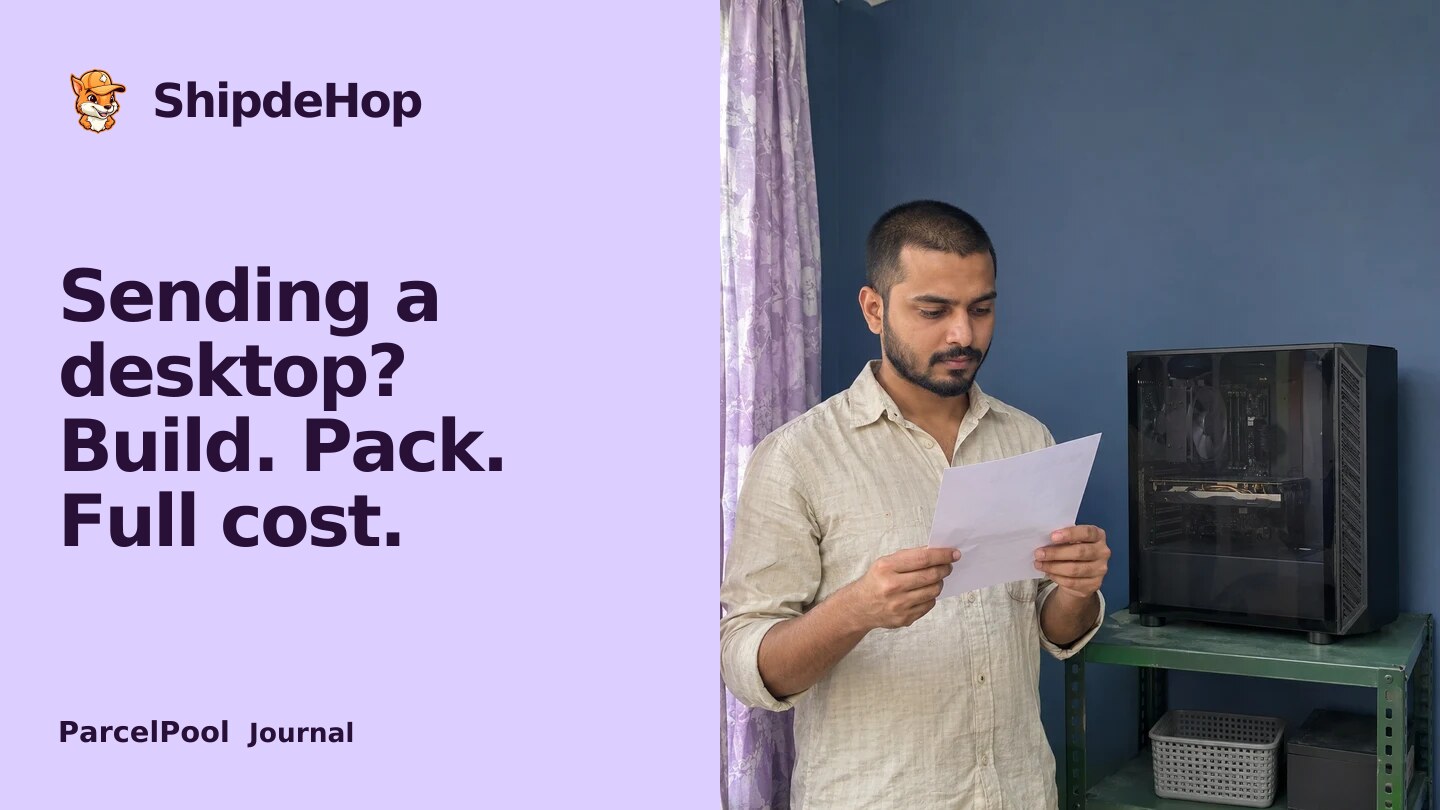
To send a desktop computer by courier in India, identify the exact build and obtain packing guidance appropriate to that system before booking. Confirm the carrier accepts the contents, finished packages and route. Decide who handles any component removal and destination setup, keep an item-to-package inventory, and compare the complete cost. A tower that fits a carton is not automatically ready to ship.
A desktop tower can look reassuringly solid. Inside, the question is not whether the case fits a box. It is whether the particular assembled system has been prepared for the way it will travel, and whether someone at the other end can put it back into use.
I would treat this as a build-to-package decision before treating it as a courier-price comparison. This guide is for a domestic India move, sale or authorised repair dispatch of a conventional desktop PC. It is not a hands-on packing test, a component-removal tutorial or approval for every carrier. Custom liquid-cooled builds and unusual systems need specialist, model-specific instructions.
Describe the computer as a build, not just a weight
Start a short configuration record: pre-built make and model or custom-build details, case model, graphics card if present, cooler type, glass panels and any changes since the system was originally supplied. Record whether the machine is going for repair, to a new owner or to your own new address.
Keep the tower distinct from the monitor, peripherals and any power accessory. A desktop 'setup' can become several packages with different preparation and acceptance questions. Do not let a courier enquiry for one tower silently grow into an undeclared bundle.
Ask the system maker or a competent PC service provider which instructions apply to that actual configuration. If the build was modified, say so. The original packing procedure may depend on parts or supports that no longer match what is inside the case.
Why there is no universal remove-the-graphics-card rule
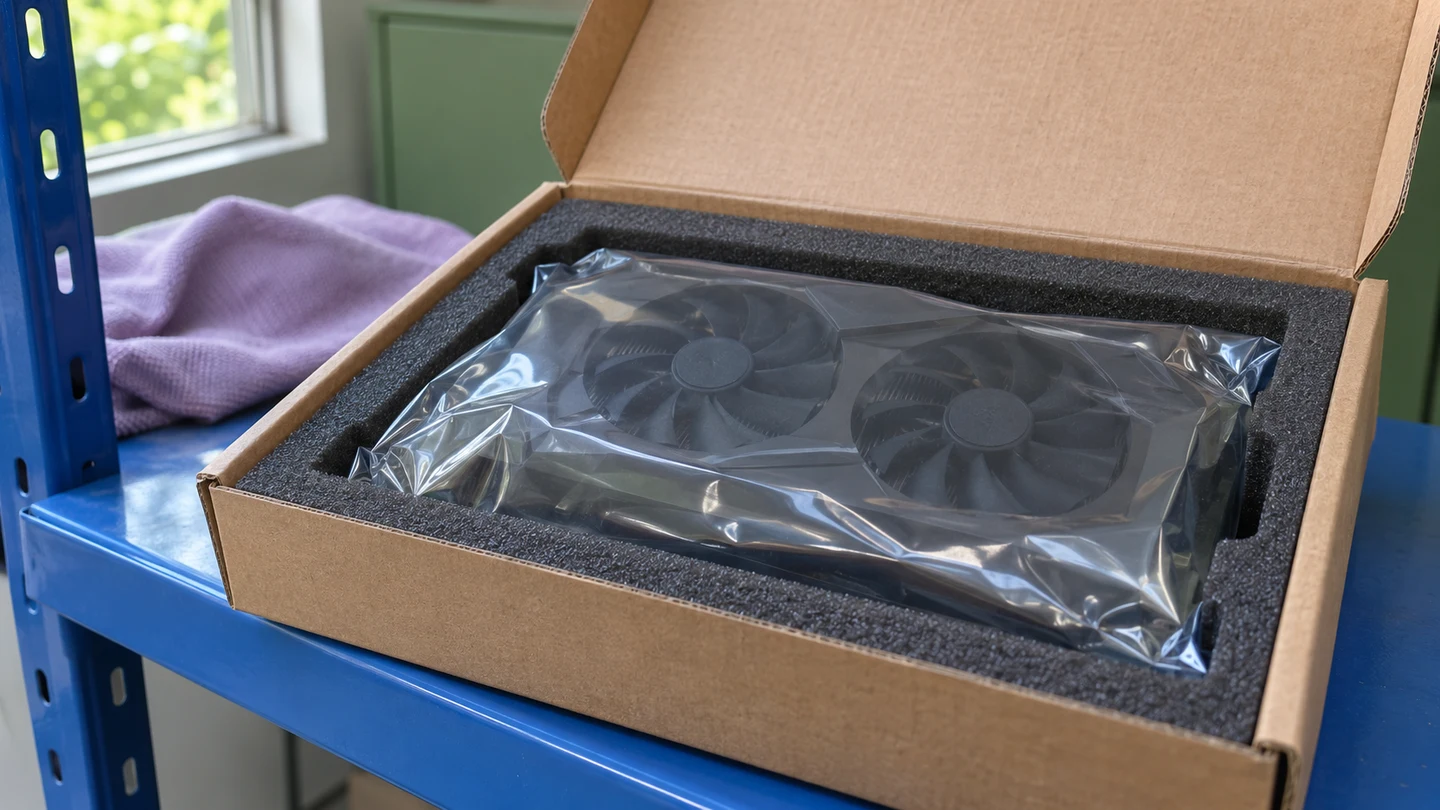
Two manufacturer references show why context matters. CORSAIR's transport guidance, updated 10 July 2026 and reopened on 23 November 2026, recommends separately transporting the graphics card for conventional builds. It also discusses the load from heavy components during movement.
By contrast, NZXT's legacy-case RMA guide for specified systems uses particular GPU braces and cardboard wraps and explicitly says the GPU should remain securely connected when shipping to NZXT. That is an instruction for the named systems and packing arrangement, not a universal instruction for every tower.
These are not competing guarantees. They describe different preparation contexts. My practical conclusion is to identify the correct procedure, configuration and packing kit rather than combine selected steps from unrelated guides.
If you are not competent to carry out the prescribed work, ask a qualified service provider. Do not open a power supply, improvise internal supports or start dismantling simply because a courier form asks for dimensions. An unknown preparation requirement is a reason to ask, not an invitation to experiment.
Reference CORSAIR: PC transport guidance and conventional-build component preparation · NZXT: specified legacy-case RMA packing kit and installed-GPU support instructions
Use a stop, ask or proceed decision before dispatch
This table is a planning gate, not a certification of packing or a dangerous-goods classification. A green light means the necessary questions have answers for the selected process. It does not mean damage is impossible.
For a repair return, follow the actual service provider's return authorisation and instructions. A general relocation guide does not override a model-specific return requirement. For a sold system, agree exactly what configuration and accessories the buyer is expecting before any preparation changes that configuration.
| Situation | Planning state | Next action |
|---|---|---|
| Exact system and matching manufacturer packing process identified | PROCEED with that process after carrier acceptance | Confirm the required supports, kit and competent preparation owner |
| Generic case carton but no assembled-system preparation guidance | ASK | Do not assume the carton alone settles internal support |
| Graphics-card handling instructions unclear or apparently conflicting | ASK | Get advice for the actual build and journey, not a blended internet recipe |
| Required component work beyond your competence | HOLD | Arrange a competent service provider and destination setup |
| Custom liquid cooling, leak, damage or other unusual condition | STOP ordinary dispatch planning | Get specialist and carrier instructions for the exact condition |
| More packages or accessories added after quotation | RECONFIRM | Update acceptance, inventory, dimensions and the quote |
Map every item to a package and a recipient task
Once the preparation method is agreed, create an inventory with four fields: item, package identifier, preparation owner and recipient action. If the graphics card remains installed under the specified procedure, record that. If a competent provider prepares it separately, give that package its own identifier and record who will reinstall and check it.
Use plain identifiers such as A for the tower and B for a separately prepared component. Record the actual configuration and accessories rather than writing 'computer stuff'. Keep component identification details in the private handoff record, not on a publicly visible label or social post.
Take condition and packing photographs appropriate to the agreed process. They can help record what was prepared and placed where. They do not establish that a packing method is sufficient, replace acceptance or prove that every component works.
Ask the recipient to retain the inventory and the relevant instructions. If there are internal shipping supports, the receiving plan must address them before power-on. Do not assume a person receiving a sealed carton is also agreeing to technical setup work.
Confirm acceptance using the finished package details
Tell the chosen carrier that this is a desktop computer, describe the actual contents and any separately packed components, and provide origin and destination PIN codes. Disclose other equipment such as a monitor or UPS separately and ask what conditions apply. Do not infer acceptance of everything from a general electronics category.
DTDC's Personal Courier page, checked on 23 November 2026, provides rate and serviceable-PIN checks and says pricing depends on weight, dimensions, distance and service. That is a useful enquiry route, not confirmation that a particular gaming tower, package size or accessory will be accepted.
Obtain the preparation requirements before commissioning the pack. Then measure and weigh each finished package and confirm the final applicable quote. A bare case specification is not a substitute for the dimensions and weight of the completed shipment.
Ask who is supplying the pack, what the selected service includes, how the item is presented for inspection, what documents are needed and what receipt or tracking record you will receive. Use the general parcel preparation guide to organise the enquiry, not as a replacement for the system maker's and carrier's instructions.
Reference DTDC Personal Courier: rate inputs, serviceability and booking context
Compare a complete dispatch-and-setup total
Build a quote worksheet in INR. Keep separate rows for required technical preparation, the correct packaging or replacement kit, each accepted package's transport, collection access and destination setup or checks. Mark items as included, separately quoted or unresolved. Do not invent a standard price for GPU removal or reinstallation.
Complete cost equals the accepted transport amounts plus required work and materials outside those quotes. If a provider has bundled several items, do not count them again. If a required task has no confirmed price, keep the option unresolved instead of making the total look complete with a zero.
Also record time dependencies: when preparation can finish, the agreed collection window and when the recipient or technician can receive and set up the system. A carton arriving before anyone can handle the next step may not solve the actual need.
If you are considering a compatible traveller arrangement, use the complete parcel-cost calculator with your own contribution, pickup and other actual inputs. It is not a live courier quote or a promise that a particular tower will fit. Compare only arrangements that have independently accepted the disclosed packages.
Do not compare a professional packing-and-setup quote with a bare carriage amount and call the difference a saving. Those prices buy different jobs. The useful comparison holds the start condition and the required finish condition constant.
Prepare the data and the destination before release
Make a usable backup and decide what access is appropriate for the purpose of the dispatch. A work-owned computer should follow its owner's authorised process. For a repair, agree the diagnostic access needed. For a sale, follow the applicable manufacturer and operating-system transfer guidance rather than giving another person your personal sign-in credentials.
Record the known condition and included items before handover. Name the person authorised to release the packages and the person receiving each one. If the packages travel separately, track and reconcile them separately. One delivered carton does not establish delivery of the whole system.
At arrival, arrange the appropriate check against the inventory and preparation instructions. If a package is visibly damaged or something is missing or loose, document the condition and contact the relevant service provider before improvising a repair or powering the system.
Keep the packing and booking records while any issue is being resolved, following the chosen provider's process. This is not a promise about compensation, cover or a claims outcome. Ask about those terms before committing rather than discovering them after a problem.
Where ShipdeHop fits, and where it does not
ShipdeHop connects parcel pooling, shared rides and pre-loved exchanges within an India-focused people-powered super app. Explore ParcelPool only when the accepted, prepared desktop packages genuinely fit an existing journey and all participants agree to the contents, capacity and handoffs.
As checked on 23 November 2026, the availability page distinguishes website plans from live matching, bookings and payments. It links the iPhone app and says a public Android Play listing has not been verified. A city page does not confirm a traveller or a suitable vehicle.
ShipdeHop takes zero platform commission, now and always, but technical preparation, materials and destination setup can still cost money. No live escrow is offered. Aadhaar identity verification is not PC inspection, packing certification or a guarantee of another person's behaviour.
I would release the computer only when the build-specific preparation, package inventory, actual acceptance and receiving plan agree with one another. The box is the last visible part of that decision, not the first question.
Reference ShipdeHop: current India scope and product availability
What remains after extra expenses?
Change the amounts to match your proposed arrangement. Include every relevant expense.
Questions, answered
Should I remove the graphics card before shipping a desktop PC?
Do not apply a universal rule. The cited CORSAIR guidance recommends separate transport for conventional builds, while the specified NZXT RMA process uses matching supports with the GPU connected. Get instructions for your exact configuration and use competent help for any prescribed component work.
Is the original desktop case box enough for courier shipping?
Not automatically. Confirm that the preparation and packing arrangement is appropriate for the assembled system, its present configuration and the selected carrier. A case carton, internal supports and any additional protection have different jobs. Missing required materials need an answer before dispatch.
Can a courier quote confirm that my desktop is ready to send?
No. A price is not a technical packing assessment. Confirm acceptance of the actual contents and finished packages, then make sure the required preparation, inventory and receiving arrangements are complete. Use the final packed weight and dimensions for the applicable quote.
How much does it cost to courier a desktop computer in India?
There is no verified universal figure in this guide. Obtain an accepted quote for your route and packages, then add required technical preparation, materials, collection and destination setup not already included. Leave unknown required costs visible rather than inventing an average.
Can a traveller collect my desktop without inspecting the computer?
Only through a specifically agreed arrangement that accepts the prepared packages and fits the journey. Collection is not automatically technical inspection, packing or setup. Separate those responsibilities and do not assume a ShipdeHop website plan creates a confirmed collection.
Sources and useful references
External source pages checked on 23 November 2026. The worked amounts are inputs for the decisions explained above.
- CORSAIR: PC transport guidance and conventional-build component preparationChecked 23 November 2026
- NZXT: specified legacy-case RMA packing kit and installed-GPU support instructionsChecked 23 November 2026
- DTDC Personal Courier: rate inputs, serviceability and booking contextChecked 23 November 2026
- ShipdeHop: current India scope and product availabilityChecked 23 November 2026

I’m building ShipdeHop around useful connections between people, journeys and pre-loved things. Zero commission. Now and always.
Why I’m building ShipdeHop →